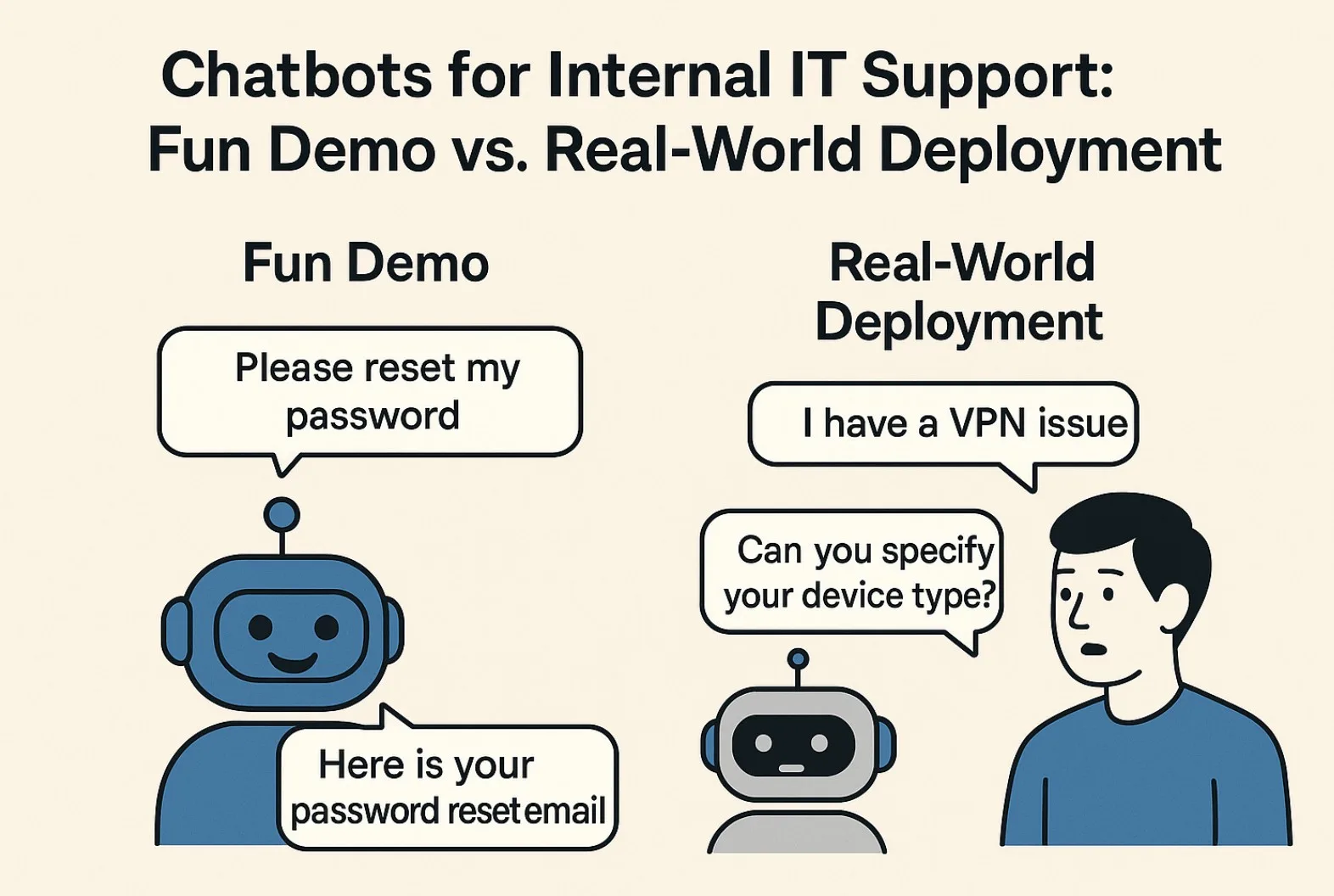
A chatbot demo lasts three minutes: "Reset password", "OK, sending the link", done. It looks great. Six months after going live, the picture changes: the helpdesk handles escalations from bot answers, users have learned the bot can "maybe reset a password", and the IT manager is answering "what's the ROI?". This article is a deployment playbook — step by step, what it takes for a chatbot in IT support to actually work, not just survive a demo.
Step 1: KB audit before the bot
A chatbot answers only as well as its source. For internal IT support that usually means a Knowledge Base in GLPI, Confluence or another KB tool. Before turning the bot on:
- Pull the top 50 most-frequent tickets from the last 3 months. Identify the topics that account for 60 – 80% of volume (typically: password reset, system access, VPN issues, printers, M365 problems).
- For each topic, verify there's a current KB article. If not, write one. If yes, verify it's up to date — system versions, screenshots, steps.
- Rewrite KB articles in a bot-friendly format — short paragraphs, numbered steps, an explicit "if this doesn't help, contact X".
- Define explicit "I don't know" topics — where the bot must not answer but escalate immediately. Examples: technical errors in a specific internal system, security incidents, GDPR questions.
The KB audit takes 2 – 4 weeks. Without it, the chatbot is just an expensive replacement for a stale FAQ.
Step 2: intent mapping
The bot has to recognise what the user wants even when they phrase it differently. "I forgot my password", "Can't log in", "My password expired" are three expressions of the same password reset intent. Mapping intents:
Intent: password_reset
  Triggers: "password", "login", "M365", "can't sign in"
  Action: provide KB article #42 + offer self-service link
  Confidence threshold: 0.85
  Fallback: create ticket "Password reset" with category L1/Access

Intent: vpn_issue
  Triggers: "VPN", "remote access", "Forticlient", "remote"
  Action: ask for OS, then KB#67 (Mac) or KB#68 (Windows)
  Confidence threshold: 0.75
  Fallback: create ticket with L1/Network category

Intent: provision_account (escalate, no auto-action)
  Triggers: "new colleague", "create account", "onboarding"
  Action: NO automated provisioning — too risky
  Always create ticket + assign HR for validation
The confidence threshold matters: at low confidence (below 0.7) the bot should rather ask a clarification or escalate than guess at the wrong KB.
Step 3: integration with GLPI
On escalation or auto-ticket creation, the bot calls the GLPI REST API. The endpoint /apirest.php/Ticket with POST body:
{
  "input": {
    "name": "[Bot] Password reset for Karol Novák",
    "content": "Bot conversation summary:\\n\\nUser: I forgot my password\\nBot: Sent KB#42, no success\\nUser: Still not working",
    "users_id_requester": 142,
    "itilcategories_id": 8,
    "type": 2,
    "_source": "chatbot"
  }
}
The fields _source: chatbot and a custom "Bot intent" field enable later reporting — how many tickets the bot deflected, how many it escalated, which intents it was most successful with.
Step 4: escalation triggers
The bot has to be aggressive about escalating. Triggers:
- Confidence below threshold — escalate to a human immediately.
- Third unsuccessful interaction in a session — the user is replying "didn't work, didn't work, didn't work". The bot stops trying.
- Frustration in the text — keywords "doesn't work", "help", "please", emotive language. Escalate.
- Security/financial keywords — "phishing", "incident", "invoice", "compliance". Always escalate, never answer alone.
- Outside business hours — the bot can answer from KB, but for non-trivial questions it creates a ticket for the on-call shift.
Common pitfalls
- Hallucinations in LLM-based bots — the bot invents a KB article #99 that doesn't exist. Fix: retrieval-augmented generation with a hard citation back to KB ID, not free-form generation.
- Stale KB — IT changes a process but the KB stays original. The bot answers from the old version. Fix: KB articles must have an owner and a quarterly review.
- No feedback loop — the bot asks "did this answer help?" but nobody looks at the result. Fix: a weekly report that surfaces the top 10 negative feedback and triggers KB fixes.
- Ticket duplication — user tries the bot, fails, then opens a portal ticket. Bot escalation + manual ticket = two tickets for the same thing. Fix: dedupe by requester + similarity score in the last 24h.
- Sales bigger than the deployment — vendors promise "90% deflection rate". A realistic figure for a well-integrated bot is 25 – 40%, and that's a success.
Pilot before rollout
Pilot with 50 – 100 users from two departments for 4 – 6 weeks. Track: deflection rate, escalation rate, CSAT from chatbot interactions, and tickets actually resolved without human touch. After the pilot, evaluate — if deflection < 15%, return to Step 1 (KB audit) and improve. Only when it's > 25% should you do a company-wide rollout.
A chatbot is not a "replacement for L1 helpdesk". It's a filter ahead of L1 that catches simple, repeated, well-documented requests. For anything where the bot would only have a 60% chance of being right, it's faster and cheaper for the user to open the ticket directly with a technician.