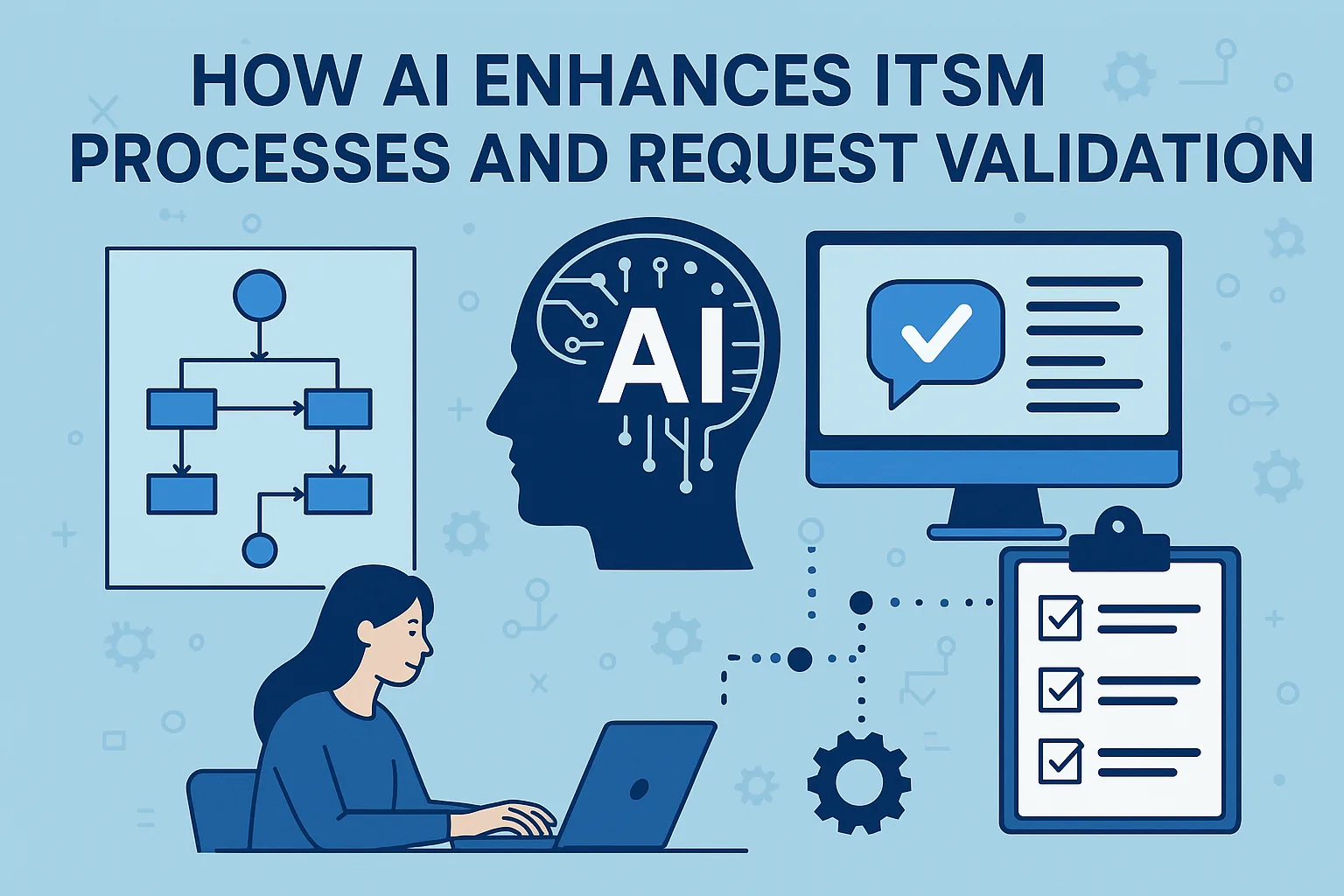
The question worth asking about AI in ITSM isn't whether it's "the future" — it's which pieces actually hold up in a live service desk and which ones fall apart the moment they touch real tickets. A year of deploying LLM-backed features into GLPI environments has produced a reasonably clear picture, and the answers are less dramatic than the demos.
What works today
The use cases earning their keep are narrow, assistive, and keep a human in the loop:
- Ticket categorization. Given a freeform description, an LLM can suggest a category, urgency, and SLA. The value isn't replacing the triager — it's that the user writing the ticket doesn't have to pick from a 40-item dropdown anymore. Wrong guesses get corrected during triage, and over time you see which categories get accepted and which get overridden, which is useful data for fixing the taxonomy itself.
- Similar-ticket retrieval. "Three tickets in the last six months matched this description; two were resolved by restarting the print spooler." This is embeddings over GLPI history, not generation, and it works well precisely because there's a grounded source to point at. The agent can click through and read the actual resolution.
- KB-backed draft replies. When a ticket matches a knowledge base article, the LLM drafts the reply with the right article linked. The agent edits and sends. This is by far the highest-ROI use case we've deployed — it converts "search, copy, paste, adjust" into "edit, send," and the KB improves because gaps become visible when drafts fail.
- Summarization of long tickets. A ticket with 30 updates across three weeks gets a short summary for the next assignee. Especially valuable for incidents passed between shifts or escalated to L2, where the cost of someone rereading the entire thread is very real.
- Validation before submission. A self-service form runs the draft description through an LLM that checks for missing information ("you mentioned a server but didn't name it," "you said slow — compared to what?") and asks for it before the ticket is created. Much cheaper than a round-trip once the ticket is in the queue.
None of this replaces anyone. It shaves minutes off repetitive work that was quietly eating agent time all along.
What's still demo-ware
Some use cases look great on a projector and crumble in production:
- Autonomous ticket resolution. "The bot will close routine tickets end-to-end." This only works in very tight, well-known scopes — password resets against a single identity provider, for example. Outside that scope, the failure mode is a bot confidently marking tickets resolved without actually resolving anything, which erodes user trust faster than a slow human agent ever would.
- Incident prediction without data. AIOps dashboards that claim to "predict outages" need months of clean telemetry, labeled incident history, and metrics correlated with known failures. Most environments don't have that. The dashboards look impressive and forecast nothing.
- Replacing L2 and L3. An LLM cannot debug a TCP stack issue, trace a flapping BGP session, or reconstruct a botched database migration. It can summarize what's happened. The resolution still comes from a human who understands the system.
- Generative chatbots over unverified KBs. If the knowledge base is out of date or incomplete, the bot fills gaps with fluent nonsense. Users either spot it and stop trusting the bot, or miss it and pass bad information down the line. Both outcomes are worse than no bot at all.
How it plugs into GLPI
GLPI isn't AI-native, but the hooks are there. Webhooks and the REST API fire on ticket lifecycle events — create, update, status change — which is enough to call an external LLM service and write the result back into custom fields. The practical shape we ship most often:
- An incoming ticket goes through a Cascade workflow step that POSTs to an internal LLM endpoint for categorization and similar-ticket lookup, then writes suggestions into custom fields on the ticket.
- Agents see the suggestions in the ticket UI. They accept, override, or ignore.
- Accepted suggestions feed an evaluation log used to tune the prompt and measure accuracy over time.
Nothing here requires a vendor AI feature. It requires an LLM you trust, an API you can call, and a modest amount of workflow plumbing. Our LLM integration work typically starts here and grows from whichever use case earns its first week of traffic.
Honest limits
A few constraints worth naming explicitly:
- Data privacy. Sending ticket content to a third-party LLM means sending whatever ends up in ticket descriptions — passwords users typed in "for convenience," internal hostnames, PII. For regulated environments, self-hosted or on-prem inference is the only acceptable option, and that changes the cost model significantly.
- Evaluation is load-bearing. Without a way to measure whether the LLM is actually improving outcomes, you'll quietly ship bad suggestions for months. Build the feedback loop before you build the feature.
- Cost per ticket. Hosted inference is cheap per call but adds up at service-desk volume. Budget for it, and turn off features where the ROI doesn't hold.
- Hallucination stays a risk. Even on well-grounded tasks, the model will occasionally invent something with full confidence. Any output that reaches a user or agent unedited — draft replies, auto-suggestions — needs a review gate or a very high grounding bar.
Where to start
Start where a wrong answer costs nothing and a right answer saves time. KB-backed draft replies for recurring questions and embedding-based similar-ticket lookup are the two lowest-risk first deployments. Measure whether agents keep using them after two weeks. If they do, expand. If they don't, the feature isn't earning its keep — don't roll it out further because the demo looked good.