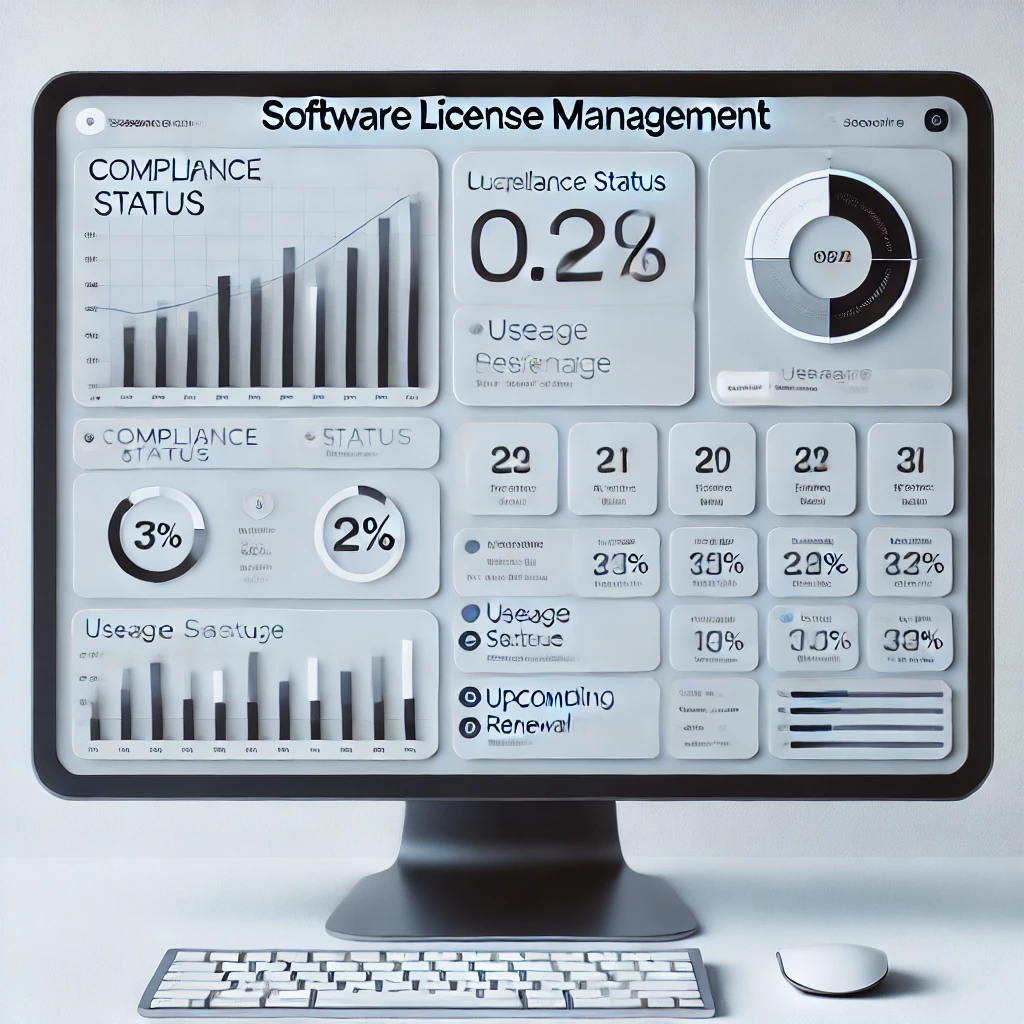
A vendor audit notice arrives. Microsoft, Oracle, SAP — pick your favorite. They want, within 30 days, a document showing how many copies of their software you have deployed, what licenses you hold to cover those deployments, and any discrepancies. The naive answer is: open GLPI, click around, copy numbers into Excel. The auditable answer needs reconciliation logic, evidence, and a defensible report format. Here's how to build it in the GLPI data you already have.
What an auditor actually wants in the report
Three columns, one row per software product covered by the audit scope:
- Installations — how many copies of the product are deployed (GLPI Agent data, deduped by device).
- Entitlements — how many seats your licenses authorize, by license model (volume seats, per-device, per-user, site).
- Variance — positive number = under-licensed (the bad case); negative = over-licensed (you bought too many, but compliant).
Plus per-installation evidence: which devices, who they're assigned to, when they were last scanned. Without that, the report is a count without provenance — auditors don't accept counts they can't verify.
Make sure the data sources are clean
Before generating anything, sanity-check inputs. Two queries in GLPI tell you whether your data is ready:
- Installation freshness. In Assets > Software, sort by Last update. Anything not scanned in 30+ days is stale — either the agent stopped reporting or the device is decommissioned but not marked. Fix these before counting. Stale data inflates both sides of the equation unpredictably.
- License completeness. In Management > Licenses, filter for licenses with empty Purchase date, empty Total number, or empty Type. Each of those is a gap that the auditor will ask about. Either fill them from purchase records or flag the license as historical-only.
An audit-ready report from messy data is worse than no report. The auditor will accept "we're checking" but they will not accept fabricated entitlement counts.
Build the report
The native path: Management > Licenses > (select a license) shows installations vs. seats for that one product. For an audit covering several products, you need a consolidated view. Two ways to get it:
Path A — the Reports plugin. The legacy reports plugin ships with a "Licenses summary" report that produces a multi-product table with installation count, license count, and discrepancy. Filter by manufacturer or by license group, export to PDF. Fastest path, lowest customization.
Path B — saved search exports. In Assets > Software, build a saved search filtered by manufacturer (e.g. "Manufacturer = Microsoft"). Add columns: Name, Number of installations, Total license count. Export to CSV. Repeat for each manufacturer in audit scope. In Excel, concatenate the CSVs into one workbook with per-product variance calculated by formula. Slower but produces an artifact the auditor can re-derive from the underlying GLPI data, which adds defensibility.
Document over-licensed positions, not just under-licensed
Surprising to first-timers: vendors don't always object to over-licensing, but they always object to it being undocumented. If you have 200 licenses and 180 installations, the report should explicitly show 20 unused seats with a note ("Reserved for Q4 onboarding wave"). Otherwise the auditor flags them as inventory waste and the conversation pivots from "are you compliant" to "why are you wasting our seats" — which is a worse conversation to have during contract renewal.
Keep the report repeatable
The version of the report you send the auditor is the one you should be able to regenerate in 12 months when the next audit lands. Save the search queries as named saved searches, document the manual reconciliation steps, attach the source CSVs to a Project record in GLPI dated to this audit. The next time the notice arrives, the work is rerun, not redo. A license compliance program that depends on someone remembering how the report was built is a program waiting to fail.