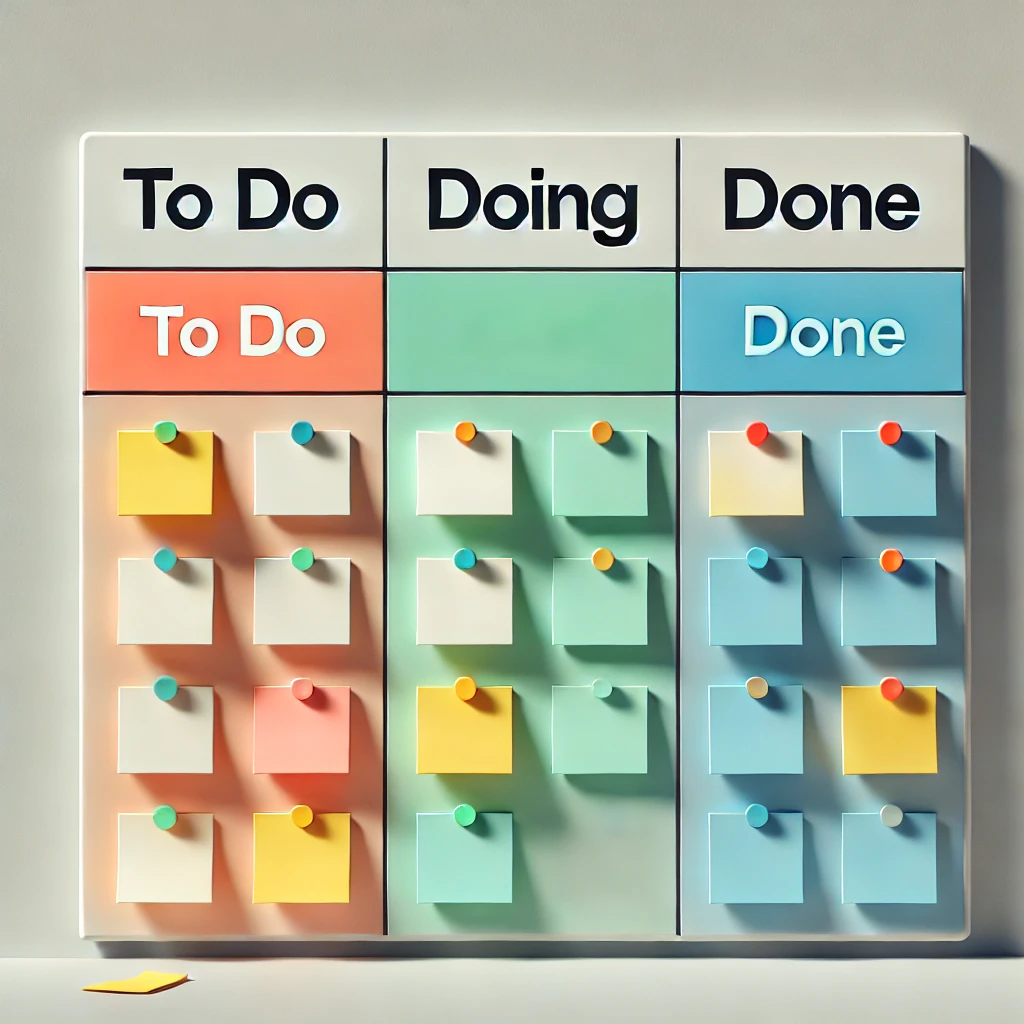
A ticket arrives. The work is bigger than one person or longer than an afternoon. GLPI gives you three ways to model it — Tasks inside a ticket, parent-child tickets, or a Project — and most teams pick wrong on the first try. The cost of picking wrong is real: a misclassified piece of work has the wrong reporting, the wrong SLA, and is much harder to migrate to the right structure later than to start there.
Tasks: subdivision within a single ticket
A Task lives inside a parent ticket. It has its own assignee, due date, planned and actual duration, and state (To do / Done). It does not have its own SLA, its own requester, its own category, or its own visibility rules — it inherits everything from the parent ticket.
Tasks are right when one ticket has multiple steps that one or two technicians will work through together. Example: "Install new printer in finance." The technician creates Tasks for Run cable from switch, Mount printer, Configure driver on print server, Test from three workstations. All performed by the same group, against the same SLA, for the same requester.
Tasks are wrong when the steps need different SLAs, different teams that don't share visibility, or different completion criteria — because none of those things can vary inside a single ticket.
Parent-child tickets: work that crosses teams
GLPI supports linking tickets in several relationships, the most useful being Parent of / Child of. Each child ticket is a full ticket: its own assignee group, its own SLA, its own status independent of the parent. The parent holds the user-facing thread; children carry the technical work.
This is the right structure when work crosses team boundaries. A new-hire onboarding request goes to HR initially; child tickets spawn for Provision laptop (to IT hardware), Create accounts (to identity team), Assign desk (to facilities). Each child has its own SLA matching that team's commitments, and the parent stays open until all children close.
The cost of parent-child is governance: someone has to decide which children block parent closure, who can create children, and how status rolls up. Without that, you get a parent ticket that's been "open, waiting" for two months because one child was forgotten.
Projects: scheduled work with milestones
Projects live in their own module (Tools > Projects), not in the ticket queue. A Project has start and end dates, milestones, project tasks (different from ticket tasks), team members with allocation percentages, and a Gantt view. Projects can spawn tickets, and tickets can be linked to projects, but a project is fundamentally a different object — it's planned, not reactive.
Projects are right when the work is planned weeks or months in advance, has formal milestones, and a deliverable. A GLPI 10→11 upgrade is a project. A datacenter migration is a project. An office relocation is a project. An ISO 27001 audit preparation, with sub-deliverables and dependencies, is a project.
Projects are wrong for reactive work, even if it's large. A major incident is not a project. A multi-team incident response is parent-child tickets, not a Project — because by the time you set up the Gantt chart, the incident is over.
Decision: three questions
When the structure question comes up, ask in order:
- Is this planned (vs. reactive)? If planned with milestones and a deliverable: Project. If reactive: continue.
- Does it cross teams with separate SLAs? If yes: parent-child tickets. If no: continue.
- Does one team need to track several steps? If yes: a single ticket with Tasks. If no: it's probably just one normal ticket.
Worked examples: "Roll out endpoint protection to 200 laptops" — planned, deliverable, milestones → Project. "New hire starting Monday" — reactive, crosses HR/IT/facilities → parent-child. "Replace failed disk in production server" — reactive, one team, several steps → ticket with Tasks. Pick once, before the work starts. The migration cost between structures is much higher than the planning cost.