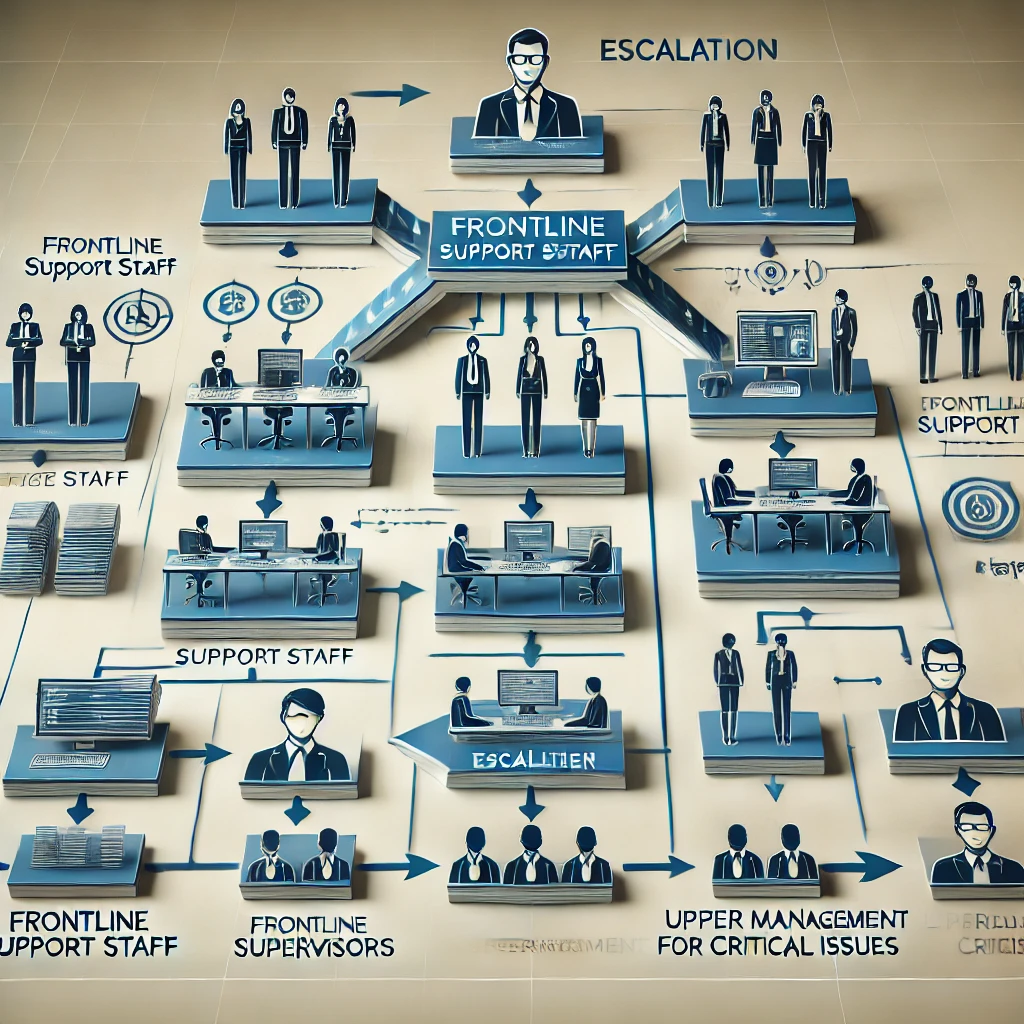
People say "escalation" to mean two different things and then argue about why their configuration doesn't work. SLA escalation is timer-driven: a ticket hasn't been resolved by deadline, so the system pages someone louder. Tier escalation is skill-driven: L1 has done what L1 can do, and the next step needs deeper knowledge. The same GLPI features support both, but they require different setups. This article focuses on tier escalation — the L1 → L2 → L3 chain — because it's both the more common need and the one teams set up worst.
Groups, not technicians
The fundamental rule: tier escalation reassigns to a group, never to a named technician. A ticket assigned to "Jana from L2" is a ticket that goes nowhere when Jana is on vacation. Assigned to Group L2, it stays in the L2 queue and whoever is on shift picks it up. Open Administration > Groups and create the tier structure:
- Support — L1: first-line agents, handle the bulk of tickets, escalate what they can't.
- Support — L2: deeper skills, smaller team, takes escalations.
- Support — L3: subject-matter experts. Usually 2-3 people. Last stop before engineering.
Profile permissions for each group should match the tier: L1 can read assigned tickets only, L2 can see all support tickets, L3 has additional permissions for problem records and changes. The permission model is what makes the tier distinction real — without it, "L2" is just a label.
Manual escalation: the everyday case
The most common escalation is manual: an L1 agent has investigated, hit the limit of what they can do, and needs to pass it up. They don't reassign by guessing a name. They reassign to Group L2. From the ticket form: Actors → remove the L1 group → add the L2 group → add a private followup explaining what's been tried and what L2 should look at next.
That last sentence is what separates a working escalation from a useless one. "Escalating to L2" without context means L2 spends 20 minutes re-running L1's diagnostics. A two-sentence summary — "Tried steps A, B, C. The error is consistent with case X but I don't have permissions to verify" — saves the time and demonstrates that escalation isn't an offload, it's a handoff.
Auto-routing based on category
Some tickets should never go to L1 in the first place. A backup-job failure goes straight to L2. A database alert goes straight to L3. Configure this in Administration > Rules > Rules for assigning a category. Add a rule: If category equals Infrastructure > Backup, then assigned group = Support — L2. The ticket bypasses L1 entirely.
Use this for technical categories that L1 has no business touching. Don't use it to bypass L1 for general categories like "Software" — most software tickets are password resets or restart-and-retry, and L1 should handle them. Specific categories with specific routing; everything else through the front door.
SLA timer as a safety net, not the main mechanism
SLAs in GLPI can trigger their own escalation: if a ticket sits in Processing (assigned) for X hours without resolution, escalate the SLA level (which can in turn re-route via business rules). Useful as a backstop — a ticket assigned to L2 but stuck for two days should automatically pull manager attention — but bad as the primary tier mechanism. Time-based escalation routes around the human judgment that "this is harder than I can handle." It promotes tickets that just got busy, not tickets that genuinely need expertise.
Configure SLA-driven escalation only for true urgency drift: a P1 still open after 4 hours, or any ticket untouched for 48 hours. Not for normal tier handoffs.
Track the chain, audit the leaks
Every reassignment is logged in the ticket's Historical tab. The valuable view, though, isn't the per-ticket log — it's the aggregate. Build a saved search: "Tickets that touched 3+ groups." If that number is rising, your tier definitions are wrong: either L1 has the wrong skill set (too many things escalate) or L2 is too narrow (everything bounces past them to L3).
The other check: how many tickets close at L1 vs. L2 vs. L3? Healthy ratios are roughly 70 / 20 / 10 — most tickets resolved at the cheapest tier. If yours is 40 / 30 / 30, L1 isn't trained or empowered, and you're paying L3 rates for L1 work. Tier escalation is only useful when most tickets don't need it.