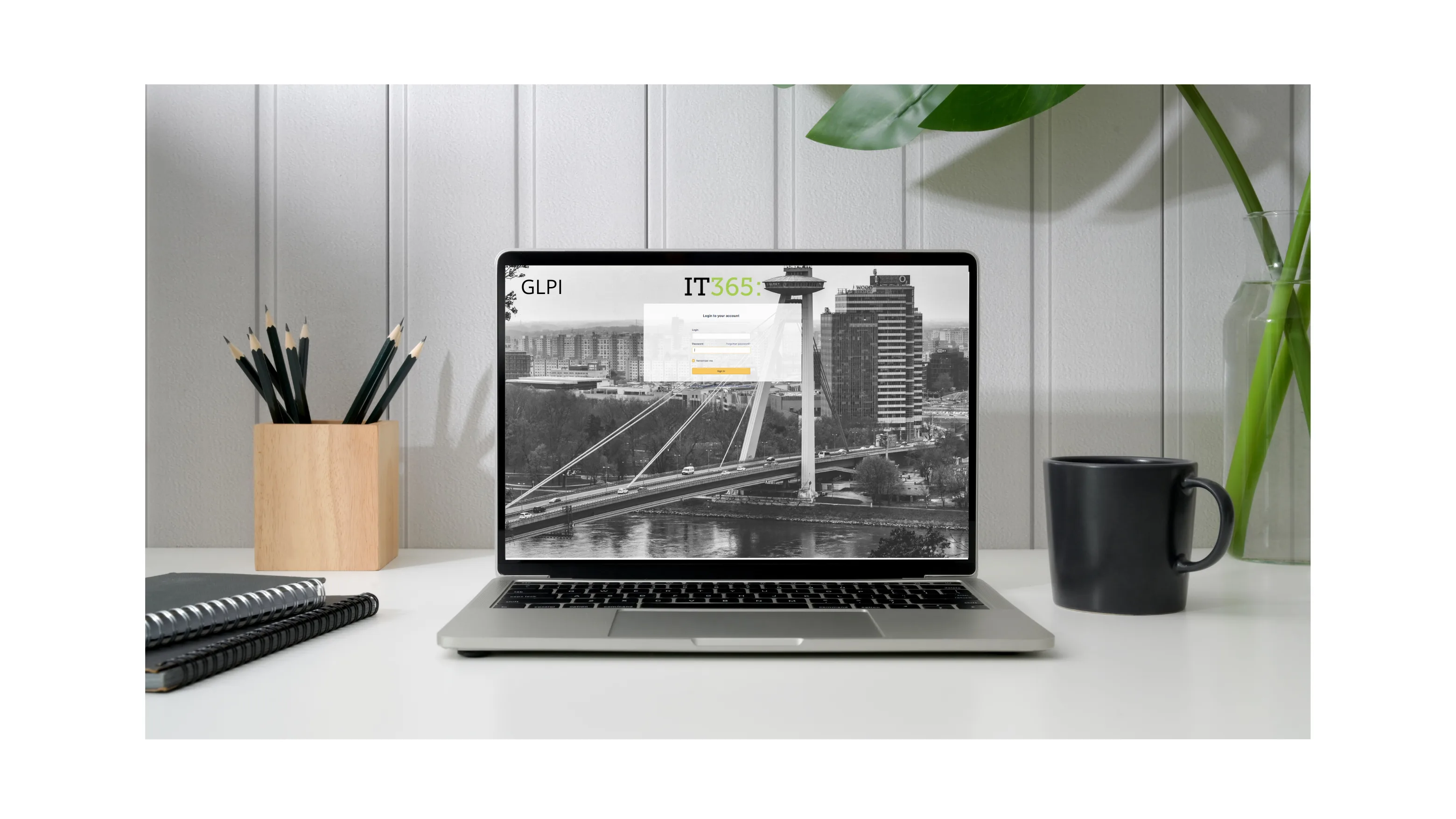
Most GLPI deployments think hard about the agent's view — the queue, the saved searches, the priority matrix — and forget that the requester sees a completely different surface. The end-user portal at https://glpi.example.com/ uses different navigation, different visibility rules, and different defaults than what a technician sees after login. Get the agent UI right and your team is fast. Get the portal right and your end users actually use the system instead of sending an email to "Peter from IT" anyway.
The portal is a separate interface, not a stripped-down agent view
GLPI has two interfaces selectable per profile in Administration > Profiles > (edit profile): Standard interface (what technicians see — full menu bar, all-tickets view, asset module) and Helpdesk interface (the end-user portal — request creation, my tickets, KB browse). End users should be on Self-service profile with Helpdesk interface selected. The mistake is leaving non-technical users on a custom profile with Standard interface — they land on a screen designed for queue triage, get overwhelmed, and call IT to find the "submit a request" button.
The Helpdesk interface is intentionally narrow. Home, Request a ticket, My tickets, FAQ. Five clicks, not fifty. If a user genuinely needs to see more than that, they're not a self-service user; promote them to a different profile.
Restrict which categories appear in the request form
By default, the request form on the portal shows every ticket category in your install. For a 200-category install that's grown over years, that's a useless dropdown. Open Setup > Dropdowns > ITIL categories, edit each category, and check Visible for tickets in the portal. Only categories with this flag set appear in the end-user request form; agent-only categories (like internal escalations, security-team-only entries, or one-off cleanup categories) stay invisible to the portal.
Apply the same logic to Locations, Suppliers, and any dropdown the user touches: ship the portal with the 5-15 options they should see, not the full catalog. The dropdown is one of the cheapest places to compress mental load — narrowed correctly, it does triage work the agent would otherwise do.
Surface the knowledge base before the request
The killer feature of a working self-service portal is the FAQ that pre-empts the ticket. In Tools > Knowledge base, mark articles you want surfaced to end users by setting Visible in the FAQ. Then in Setup > General > Helpdesk, configure the home page to feature the most-read articles.
The non-obvious step: pin a small set of articles per category. A user opening "I can't print" should see the printer FAQ immediately, before the request form fields. Most GLPI deployments configure the KB but never surface it on the path the user actually walks. Three articles per category, max — past that, users skip.
Hide what the user shouldn't see
The default Helpdesk interface still exposes a few things you probably don't want surfaced. Open Administration > Profiles > Self-service and review:
- Tickets > See ticket created by my group — set to No unless you genuinely want one employee's request visible to peers.
- Followups > Add followup to closed tickets — set to No; reopening should go through a new ticket.
- Statistics — disabled entirely for end users. They don't need percentile graphs of their own ticket count.
- Approvals — keep enabled only if validators are end users (managers approving requests). Otherwise, off.
Each row in the profile is a switch you'd set to No or hide if you were starting from scratch. Going through them once at deployment is 30 minutes; doing it after users have started complaining about confusing menus is six months of cleanup.
Entity-specific branding for multi-org installs
If you run GLPI for multiple organizations (consultancy clients, holding-company subsidiaries, separate-but-shared infrastructure), each can have its own logo and colour scheme via entity-level branding. Administration > Entities > (entity) > Helpdesk sets logo, header colour, and the entity-specific welcome message. A user in entity A logs in and sees the A logo; a user in entity B sees the B logo. Same GLPI install, separate visual identities — useful for client-facing portals where the GLPI brand itself shouldn't dominate.
The fast check after every change
Create a test user assigned to the Self-service profile, log out, log in as that test user. If you can navigate from login to submitting a printer-jam ticket in under 30 seconds without using the search box, the portal is in good shape. If you find yourself scanning the menu for the right link, your end users will too — and they'll write to "Peter from IT" instead. Every config change to the portal should end with this 30-second smoke test from a real user account, not the admin one.