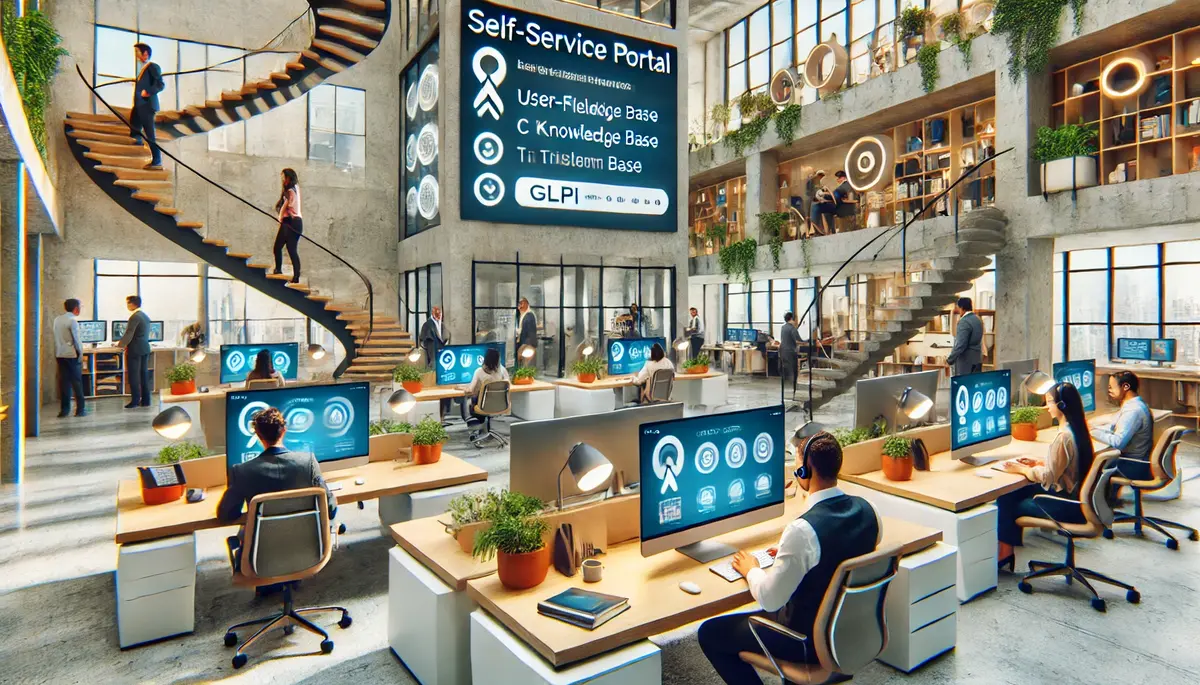
Every ticket that a user submits by email or phone call costs agent time — reading the request, clarifying missing information, categorizing, assigning. A well-configured self-service portal eliminates most of that overhead by letting users submit structured requests directly into GLPI.
But "deploy the portal" is not enough. The difference between a portal that gets used and one that gets ignored is in the details.
What users should be able to do
The self-service portal in GLPI gives end users a simplified interface. Out of the box, they can:
- Submit tickets — with guided forms that pre-fill fields based on the selected category
- Track their tickets — see status, read agent responses, add follow-ups
- Browse the knowledge base — search public FAQ articles
- View their assets — see which devices and software are assigned to them
- Request approval — approve or reject requests routed to them (e.g., manager approving software access)
What they should not see: the full technician interface, internal notes, SLA clocks, other users’ tickets (unless configured for group visibility), or admin menus.
Designing the portal experience
Fewer categories, more guidance
End users don’t think in ITIL terms. They don’t know if their problem is an "incident" or a "request." The portal should present simple choices: "I need something" (request), "Something is broken" (incident), "I want to report a security issue." Behind the scenes, GLPI maps these to the correct ticket type and category.
Forms instead of free text
A free-text description field produces tickets like: "it doesnt work." GLPI’s form plugin (or the built-in template system) can present structured forms with specific questions:
- What application is affected?
- When did the problem start?
- How many users are affected?
- Can you still work, or are you completely blocked?
Each answer maps to a ticket field — the last question sets urgency automatically. The agent receives a complete, structured ticket instead of a vague complaint.
Visual design and branding
GLPI’s simplified interface can be customized with your organization’s logo and colors. This matters more than it seems — if the portal looks like a generic tool, users treat it like a generic tool. If it looks like part of the company’s internal ecosystem, adoption improves.
Driving adoption
The portal only reduces agent workload if users actually use it. Common reasons they don’t:
- "I just email IT, it’s easier" — make the portal easier than email. If the form takes 30 seconds and an email exchange takes 3 rounds of clarification, the portal wins. But only if the form is actually simple.
- "I don’t know the URL" — pin the portal link to the intranet homepage, browser bookmarks, and the welcome screen of every company device.
- "Last time I used it, nothing happened" — fast first response matters. If the first portal ticket sits for two days without acknowledgment, the user goes back to email. Configure auto-acknowledgment and visible status updates.
Measuring portal success
Track the channel split: what percentage of tickets come through the portal vs. email vs. phone? A healthy target is 60-70% portal after six months. Below that, something in the portal experience is failing — find out what through user feedback and session analysis.
Also track self-resolution: how many users visit the portal, find a KB article, and never submit a ticket? This is the hardest metric to capture but the most valuable — it represents demand that never reached your agents.