ARTICLES & NEWS
Blog — page 6
Technical articles about GLPI, AI automation and IT service management.
164 articles
Running one GLPI install for IT, HR, and facilities
The pitch for using GLPI outside IT is easy: HR has requests, facilities has requests, finance has approvals — they're all tickets, so put them in the same syst...
Where GLPI fits outside IT — and where it doesn't
The "GLPI for the whole company" pitch is easy to make and easy to oversell. The honest answer is that GLPI is shaped for a specific kind of work — discrete, st...
What end users can actually do in the GLPI self-service portal
Most articles about the GLPI self-service portal describe what it looks like. The more useful question is what an end user can finish without ever writing to IT...

Built-in reporting in GLPI 10+: dashboards and reports for management
GLPI stores every ticket, every asset change, every SLA breach. But raw data sitting in a database is not a report. The gap between "we have the data" and "we c...

The real job of a GLPI ticket template is making fields mandatory
Templates in GLPI look like a cosmetic feature: a nicer form, a few pre-filled defaults, maybe some reordering. That framing undersells them. A well-written tem...

GLPI workflows explained: business rules, approvals, and the Cascade plugin
When people say "GLPI workflows," they usually mean one of three different things: the business rules engine that routes tickets, the status lifecycle that move...

Migrating from Excel to GLPI inventory: a practical guide
Excel as an inventory works fine until the first holiday. Then somebody makes a personal copy, somebody else adds a column, and a year later you have three vers...

Tasks, child tickets, or Projects: choosing the right GLPI structure
A ticket arrives. The work is bigger than one person or longer than an afternoon. GLPI gives you three ways to model it — Tasks inside a ticket, parent-child ti...
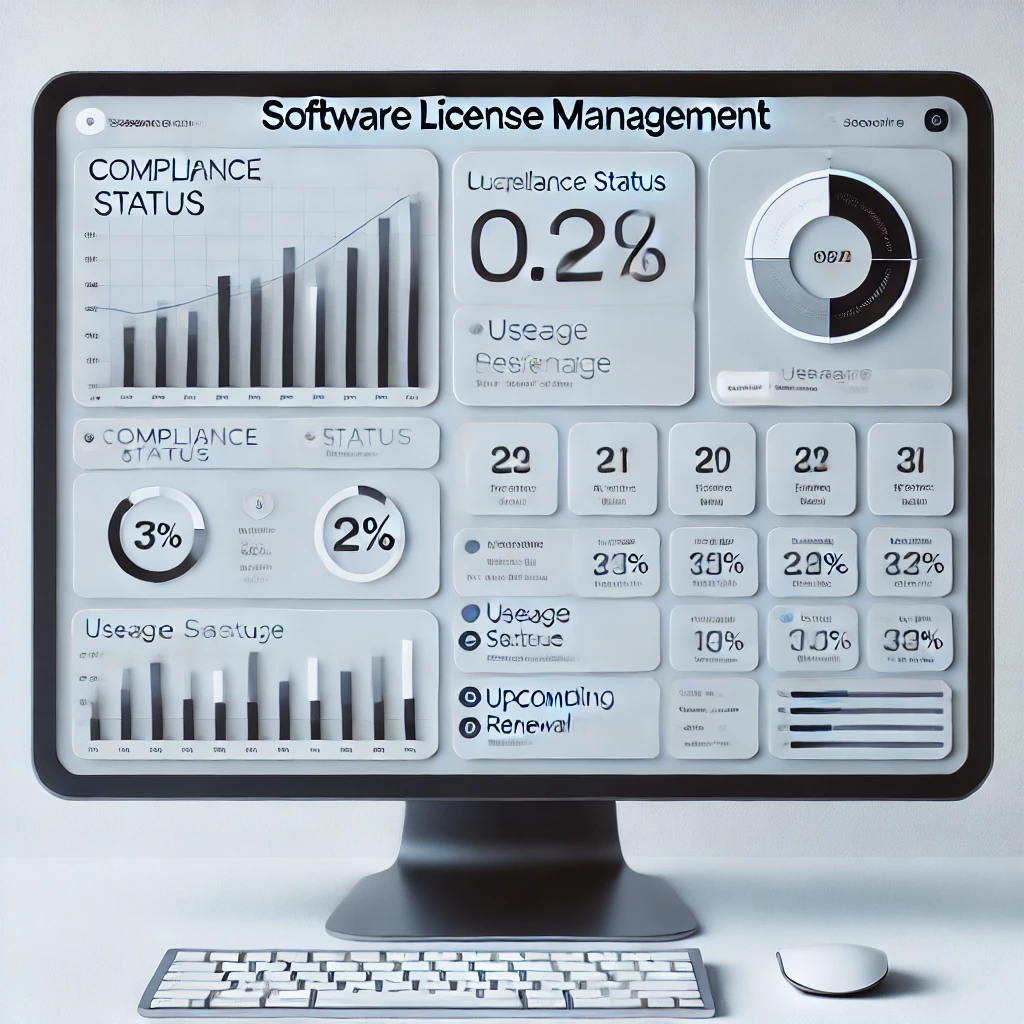
Preparing the software license compliance report an auditor will accept
A vendor audit notice arrives. Microsoft, Oracle, SAP — pick your favorite. They want, within 30 days, a document showing how many copies of their software you ...
SNMP inventory in GLPI: automatic network device discovery
Most IT teams start their CMDB the same way: someone opens a spreadsheet and starts typing serial numbers. It works for 50 machines. It falls apart at 500. The ...

Scheduled report delivery in GLPI: emails, exports, dashboards on a cadence
A report that lives inside GLPI is a report no one reads. Decisions don't happen in dashboards — they happen in inboxes, Teams channels, and Monday morning stan...
The urgency × impact matrix in GLPI: customizing how priority is calculated
Every GLPI ticket has three numeric fields that look similar enough to confuse new admins: Urgency, Impact, and Priority. They mean different things. Urgency is...